Updating Your Address on a Texas Driver License
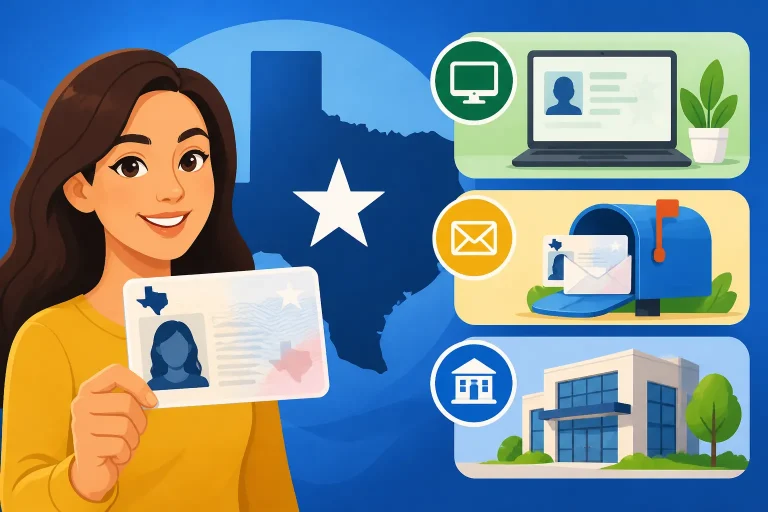
A move can leave your driver license showing an address where you no longer live, while important mail still goes there. Texas drivers generally need to report an address change promptly, but the right method depends on the service options available to them and whether their records need attention. Here’s how to prepare, update the right address, and avoid common delays.
What an Address Change Means for Your Texas Driver License
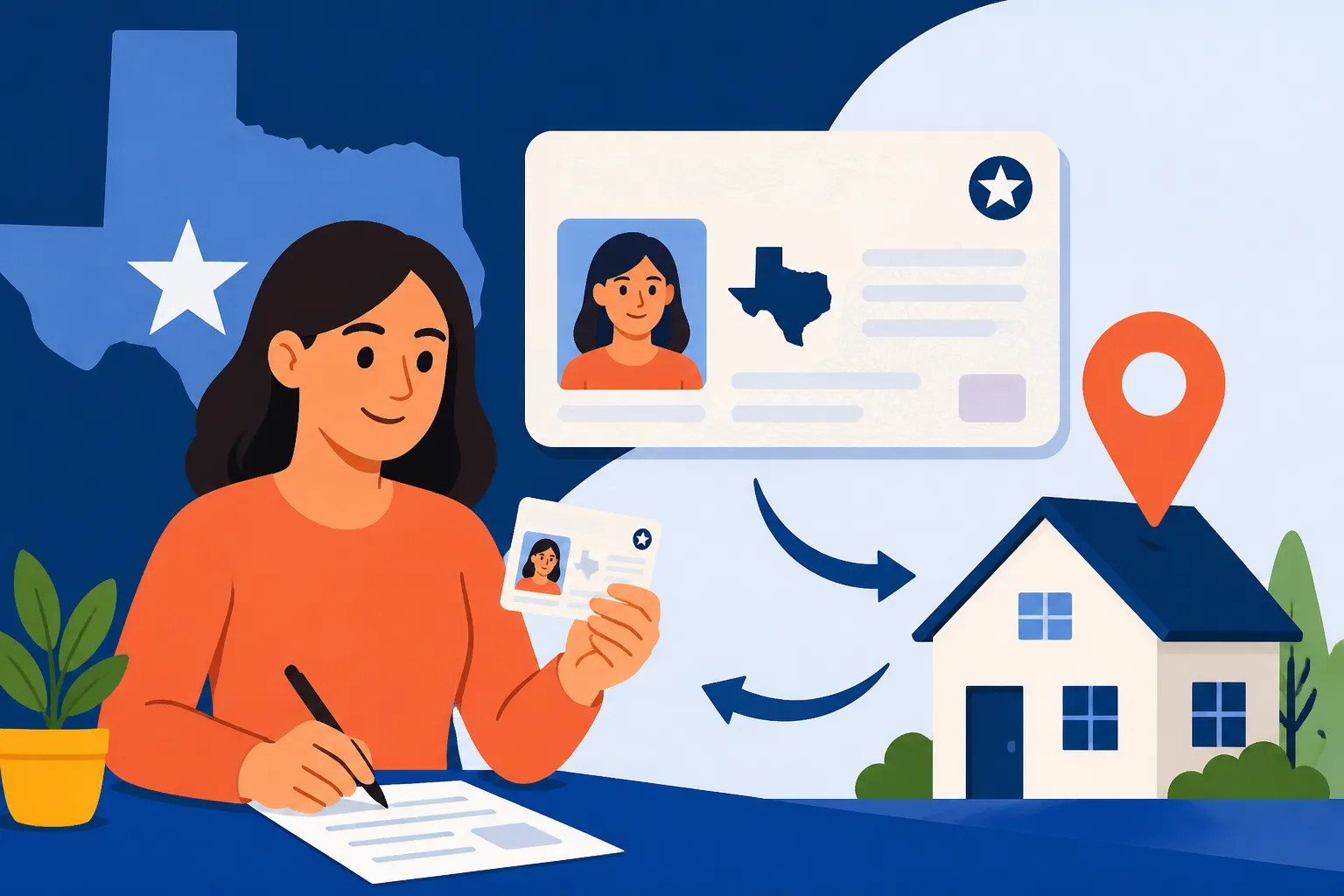
Your driver license record can include a residence address and a mailing address. They serve different purposes: your residence address identifies where you live, while a mailing address is where the agency sends correspondence or a credential. They may be the same, but they do not have to be. Be clear about which one you are changing before you start.
Texas drivers are generally required to notify the Texas Department of Public Safety (DPS) of an address change within a set period after moving. The deadline and current procedures can change, so confirm the rule and available services through DPS before relying on an old card or an earlier online instruction. Do not assume that updating your address with the post office, a bank, an insurance company, or another state agency also updates your driver license record.
Changing the address on your license record is not necessarily the same as receiving a new card. Depending on the service you use and your situation, the update may change the record without immediately issuing a replacement credential, or the process may offer a replacement card as part of the transaction. Read the current DPS instructions carefully so you know what the service includes, whether a new card will be mailed, and what confirmation you should retain.
An address update also does not automatically change other records. For example, your vehicle registration, voter registration, insurance policy, bank accounts, and professional licenses may each have a separate address-change process. If you have both a Texas driver license and a separate state identification card, check the instructions for both credentials rather than assuming one update covers every record.
Before beginning, gather the information that DPS may ask you to enter or verify. This can include details from your current license, your new residential address, and a mailing address if it differs. If you have recently changed your legal name, have a pending eligibility issue, or are replacing a lost card at the same time, your request may involve more than a routine address update. For guidance on a combined name and address change, see Updating Your Legal Name or Street Address on a Texas Driver License.
A useful first check is to confirm that the address is written in a deliverable format. Use the correct apartment, unit, building, or lot information, and make sure the city, state, and postal code are accurate. A missing unit number can send a card or notice to the wrong place even when the street address is otherwise correct.
How to Change Your Address Online
Online service is often the simplest starting point for a straightforward move within Texas. Use the official Texas DPS service channel and follow the address-change instructions shown there. Online options and eligibility rules can change, so rely on the current agency directions rather than a saved bookmark, an old checklist, or a third-party service.
A typical online process asks you to identify your driver license record, enter the new address, review the information, and submit the request. The exact screens and verification steps can vary. Check the name, license details, and address carefully before confirming. A small typo can turn a quick update into a follow-up call or office visit.
Before submitting online, consider these steps:
- Confirm the service is an address update. Make sure you are using the option for changing the address on a Texas driver license or identification record, rather than a vehicle registration service.
- Check eligibility and record status. Follow any notice that says you must contact DPS or visit an office. If the system cannot verify your record, do not keep trying random combinations of personal information.
- Prepare both addresses. Have your new residence address ready and decide whether you need a different mailing address.
- Enter the address in full. Include any apartment, unit, or other delivery details and check the spelling and postal code.
- Review the confirmation screen. Keep a copy or note of the confirmation number and any instructions about a new card or next steps.
An online transaction may not be available to every driver or for every type of record. A system can direct you to another process when it cannot complete the request, when your record needs review, or when your circumstances do not meet its current eligibility rules. Treat that direction as a signal to follow the stated alternative—not as proof that the address has already been changed.
If the online service displays an error, read it closely before restarting. It may identify a mismatch in your information, a service limitation, or a need to contact DPS. Repeated attempts with slightly different details can create confusion and still leave the address unchanged. Compare your entries with the information on your credential and use the agency’s stated instructions for resolving the specific issue.
Keep any transaction receipt, reference number, or confirmation message until you can verify the update. A confirmation that a request was submitted is not always the same as confirmation that a new card has been produced or delivered. If DPS provides a way to check the status of a credential, use its official status service and follow any timing guidance presented there.
For more detail on the online process, see How to Change Your Residence Address on a Texas Driver License Online. If an online option is missing or does not accept your record, Checking Your Texas Driver License Eligibility Online can help you understand what to check before choosing another route.
When You May Need an In-Person Visit
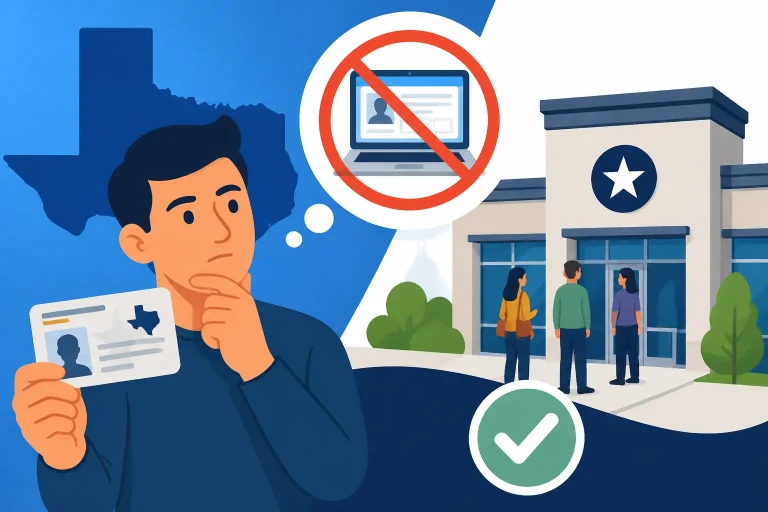
Some address changes cannot be completed through an online service. DPS may direct you to an office if it cannot verify your identity or record electronically, if your credential or record requires a different transaction, or if another issue must be resolved first. The service rules can vary, so do not assume that an office visit is always required—or that an online route is always available.
If the system instructs you to visit a driver license office, follow its directions and make an appointment if the current DPS process requires or offers one for your service. Driver license services are handled by DPS, not by the county tax office that handles many vehicle-title and registration matters. If you are unsure which agency handles your task, Driver Licensing in Texas: DPS vs TxDMV Agency Duties explains the basic distinction.
Before an office visit, check the current service description and document requirements. An address-only transaction may need different preparation from a first license, a renewal, a name change, or a replacement card. Do not bring only a utility bill and assume it will satisfy every possible requirement. DPS may need to verify identity, lawful presence, residence, or other details depending on the transaction and your record.
A practical preparation list is:
- Your current Texas driver license or identification card, if available.
- Any confirmation or error message from the online service.
- Documents or information the official service instructions specifically request.
- The complete new residence address, including unit details.
- The mailing address you want used, if it differs from your residence.
- A way to pay any applicable charge, using a payment method DPS currently accepts.
Requirements and accepted payment methods can change. Check the current agency instructions before leaving home. For a broader appointment checklist, see What Documents to Bring to a Texas DPS Driver License Appointment and Texas Driver License Checklist: What to Take to Your DPS Visit.
An office visit can take longer than expected, even when you have an appointment. Check the appointment details, arrive according to the agency’s check-in instructions, and allow time for security or processing. Use the official DPS office locator for the nearest office and its current hours; do not rely on old hours or directions copied from an outdated source.
If you cannot find an appointment or the service category is unclear, do not select an unrelated transaction merely to obtain a time slot. Review the current scheduling instructions or contact DPS through its official customer-service channels for clarification. Going to the wrong office or selecting the wrong service can cost time without resolving the address change.
Residence Address and Mailing Address Are Not Always the Same
Your residence address is where you live. Your mailing address is where you want mail delivered. A move usually changes the residence address, but you may need to keep or enter a separate mailing address if you receive mail somewhere else. For instance, a driver who lives at one address may use a reliable alternate mailing address for deliveries, subject to the options and rules DPS currently allows.
Do not enter a mailing address as though it were your residence if it does not describe where you live. If the form asks for both, answer each field according to its meaning. If it asks for only one address, read the instructions to see which type it wants. The distinction matters because official records and correspondence may use different fields.
A post office box or alternate delivery address may be permitted for mail in some circumstances, but that does not mean it can replace a required residence address. Check DPS’s current rules before entering a PO Box, a family member’s address, a workplace, or another alternate location. The details can depend on the service and the record. See Using a Mailing Address Different From Your Texas Residence and Mailing Your Texas Driver License to a PO Box or Alternate Address for related considerations.
If you have moved but have not yet settled into a permanent home, do not guess at what DPS will accept. Use the address that accurately reflects your situation and follow the agency’s instructions for address fields. If you are staying temporarily with someone else, ask DPS whether the address can be used for the purpose you need. A friend’s address may work for receiving mail but may not satisfy a residence-address requirement.
Also consider whether the move affects delivery of the physical card. If you request a replacement credential, make sure the mailing address is one where you can receive it. Check whether DPS allows you to enter a separate delivery address and whether any restrictions apply. Do not assume a card will automatically be forwarded by the postal service, or that a mail-forwarding change updates the address in your DPS record.
When your residence and mailing addresses are different, keep a note of which one you entered in each field. This is especially useful if you later need to correct an error or check where a credential was sent. If a card goes to the wrong address, use the official DPS instructions to report the problem rather than assuming a second address update will automatically redirect it.
Special Situations That Can Affect an Address Update
A routine move within Texas is usually simpler than a move involving another state, a record issue, or a change in legal status. If your situation is not straightforward, pause before submitting a transaction that may not fit your needs. Read the current DPS instructions and choose a process that addresses all the changes you need to make.
Moving within Texas
If you are moving from one Texas address to another, the main task is to update the residence address on your DPS record within the applicable period. A new city or county does not necessarily mean you need a different kind of driver license transaction, but you should still verify the current method and any eligibility conditions. For a move-specific overview, see Moving Within Texas: Updating Your Driver License Address.
Update the address even if you expect to move again soon. Waiting for a permanent or long-term home can leave official records outdated and create problems with notices or credential delivery. If the residence is temporary, follow DPS guidance on how to report it accurately.
Moving to Texas from another state
A person who has recently become a Texas resident may need to apply for a Texas license rather than simply change the address on an existing Texas credential. The process can depend on whether the person already holds a valid license from another jurisdiction, the status of that license, and other eligibility requirements. An address update cannot substitute for a new-resident licensing process.
Review How Long Can New Residents Drive on an Out-of-State License in Texas and What New Texas Residents Must Bring to Their First DPS Visit if you are moving from outside Texas. Confirm the current deadlines and document requirements with DPS, since rules and individual circumstances can differ.
Moving out of Texas
If you move away from Texas, changing the address on a Texas license may not be the only issue. Your new state or jurisdiction may require you to obtain a local credential, and Texas record updates may not replace that process. Follow the licensing rules where you now live and check whether your Texas credential must be surrendered or otherwise handled.
Do not continue using a Texas address simply because it is familiar or because you still receive mail there. Enter accurate information when dealing with DPS, and check what applies to an out-of-state move.
Lost, stolen, expired, or damaged card
An address update does not replace a lost, stolen, expired, or damaged license. If you need both a new address and a new card, check whether the official service lets you complete both transactions together or requires separate steps. Avoid paying or submitting more than once until you understand what the current process covers.
If the card is lost or stolen, consider the separate replacement process and take steps to protect your identity. See Replacing a Lost Texas Driver License Without the Audit Number or What to Do Immediately if Your Texas Driver License Is Stolen for issues specific to those situations. If your license has expired, first confirm whether you qualify for the available renewal process; an address change does not extend the credential’s validity.
Name, immigration, or eligibility changes
If you have also changed your legal name, the name on your DPS record may need to be updated before or alongside the address. If your record involves an immigration document, a pending extension, a suspension, a restriction, or another eligibility issue, a routine address-change screen may not resolve it. Follow the process that applies to the underlying issue and do not alter identifying details to make an online form accept your request.
For lawful-presence questions, use the topic-specific resources Proving U.S. Citizenship or Lawful Presence for a Texas Driver License and Renewing Your Texas License While a Visa Extension Is Pending. The documents needed depend on the individual case, so confirm requirements with DPS before making an appointment.
After You Submit the Change
After submitting an address update, keep the confirmation and any instructions DPS provides. Note whether the transaction changed only the record or also ordered a replacement card. If a new card is expected, check whether the agency provides a status tool and use it to follow the mailing process. Avoid assuming that a card has shipped just because the address update was accepted.
Your current physical license may still display the old address until a replacement is issued. Do not alter the printed card yourself. If an officer, employer, rental company, or other party asks about the difference between the card and your current address, use official confirmation if you have it and follow any applicable rules. Whether an online receipt or confirmation can serve as temporary proof depends on the agency’s instructions and the purpose for which it is being requested. Do not treat it as a substitute for a valid license unless DPS says it is accepted for that use.
If a new credential is mailed, verify that the delivery address is correct and that mail can reach you there. If you are moving again before delivery, check DPS instructions for changing a mailing address or correcting a pending shipment. Postal forwarding may not redirect every type of government mail, and you should not count on it.
Once you have confirmation, update other records separately. Depending on your situation, make a list that includes:
- Vehicle registration and title records, if applicable.
- Auto insurance and any other insurance policies.
- Voter registration.
- Employer and payroll records.
- Financial accounts and recurring bills.
- School, professional, or licensing records.
- Emergency contacts and accounts that use your address for verification.
The DPS address change does not automatically update these records. Each organization may have its own deadline, evidence requirements, or method.
If the address on the new card is wrong, act promptly. Compare the card with your confirmation and use DPS’s current correction instructions. Keep the card and transaction records while the issue is reviewed. Do not submit repeated replacement requests unless the agency directs you to do so, because duplicate requests can complicate tracking.
To check delivery or status issues, use official tools only. Tracking Your Texas Driver License or ID Card in the Mail covers what to consider while waiting for a credential, while Where Texas DPS Will Mail Your New Driver License addresses delivery-address questions.
Common Mistakes and a Simple Checklist
Address updates are often delayed by small errors or by choosing the wrong transaction. A quick review before submitting can prevent avoidable problems.
Common mistakes include:
- Using the wrong agency. Driver licenses are a DPS matter. A county tax office generally cannot update the address on your driver license record.
- Changing only your vehicle record. A vehicle registration address update is separate from a driver license address update.
- Entering a mailing address as a residence. Use each field for its stated purpose.
- Leaving out a unit number. Add apartment or unit information where required for accurate delivery.
- Assuming the card will be replaced. Confirm whether the transaction changes the record, sends a new card, or does both.
- Assuming online availability means eligibility. The service may still reject a specific record or direct you to an office.
- Ignoring an error message. Read it and follow its instructions instead of repeatedly resubmitting.
- Waiting for mail forwarding to solve the problem. Forwarding does not update the DPS record and may not redirect every official mailing.
- Using an old checklist. Document and appointment requirements can change; verify them before an office visit.
- Assuming a confirmation is a temporary license. Use it only for purposes DPS says it supports.
Before you begin, run through this checklist:
- I know whether I am changing my residence address, mailing address, or both.
- I have the complete address, including unit details and postal code.
- I am using the official Texas DPS service for driver license records.
- I have checked whether my record qualifies for the service I selected.
- I know whether I need a new physical card.
- I have read the current instructions for fees, payment, documents, and appointments, if applicable.
- I will save the confirmation and monitor any card shipment.
- I will update my other records separately.
If you are unsure whether a particular address can be used, whether your transaction requires an office visit, or whether your record is eligible, check DPS instructions before submitting. The most reliable approach is to match the service to your actual situation, enter accurate information, and retain proof of the completed request.
Frequently Asked Questions
How soon do I need to update my Texas driver license address?
Texas drivers generally have a limited period after moving to report an address change. Confirm the current deadline and procedure with DPS, since rules can change. Do not assume that updating another agency or your postal address updates your driver license record.
Can I use a different mailing address from my home address?
A separate mailing address may be possible, but it does not necessarily replace the residence address DPS requires. Check the current rules for the service you are using, especially if you want to use a PO Box or another person’s address.
Do I have to get a new plastic card after changing my address?
Not necessarily. The effect depends on the transaction and current DPS service options. Check whether your request changes only the record or also orders a replacement credential, and follow the agency’s instructions about delivery.
What should I do if the online system will not accept my change?
Read the system’s message and follow its directions. It may require a different service, additional verification, or an office visit. Avoid repeated attempts with altered personal information; use DPS’s official instructions to resolve the problem.
Disclaimer
This article is for general informational purposes only and does not constitute professional advice. Laws, prices and regulations vary by location and change over time. Consult a qualified professional for guidance on your specific situation. Texas Driver Guide is not a government agency and is not affiliated with any state motor vehicle department.